Blocked Numbers
1. Click on the Call History tab.

2. To immediately block a number for the entire domain, click the block number icon and then Yes.

3. Red block icon shows numbers that have been blocked.

4. You can unblock a number two ways:
a. Click the Block/Unblock icon.

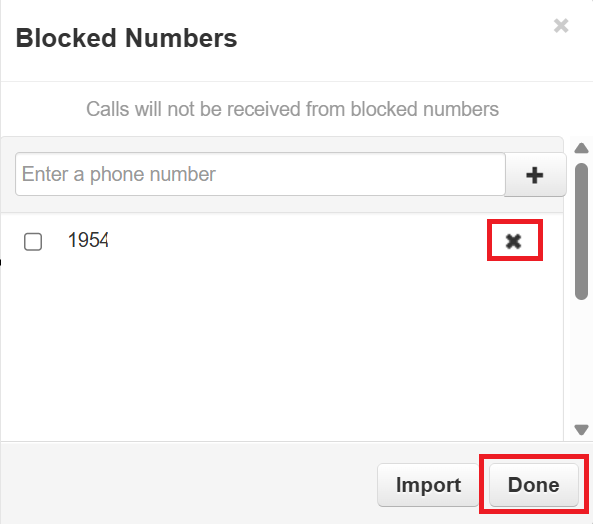
b. Click on the Blocked Numbers tab. In the pop-out window click the x and then Done.