How to Add An Agent
For Call Queues to be added, please contact the NOC. Once queue(s) are built then agents can be added and queue(s) can be edited.
1. Click on the Call Queues tile.

2.2. Click on the desired Agent.

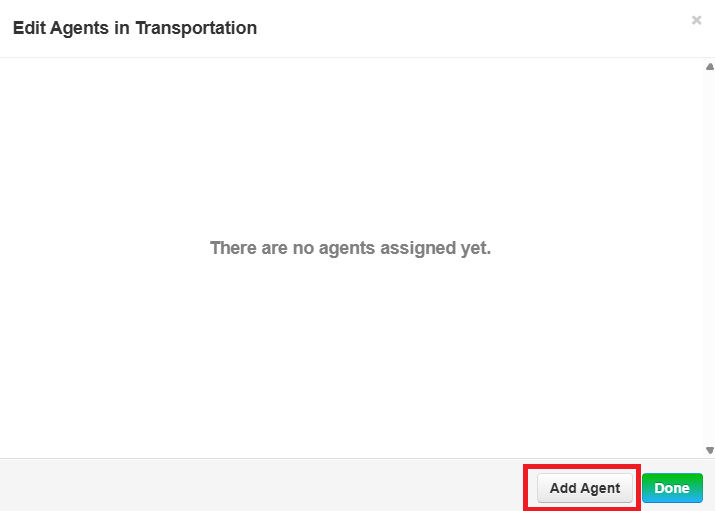
3. Click Add Agent.
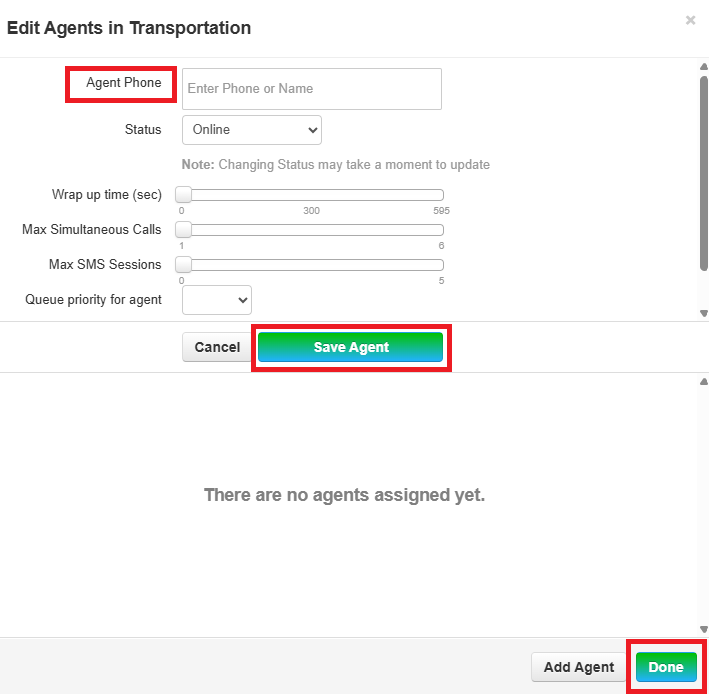
4. Add Agent, click Save Agent and then click Done..
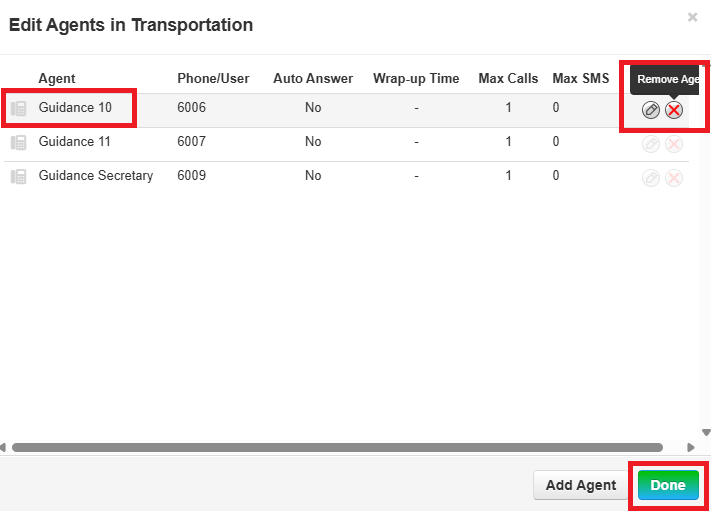
5.5. To edit Agents, click the Agent (step 2) or click the Edit Agent option.

6. Agents can be deleted by clicking the red x and then click Done.