How to Use *54 for Site/Department Call Pick Up (Replaces Group Pick Up)
Identify all extensions involved and ensure they belong to the same Site and Department. If necessary, edit each user to the same site and same department.
1. Click on the Users tile.


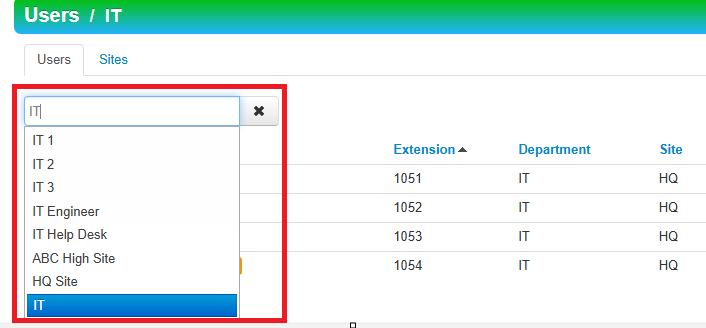
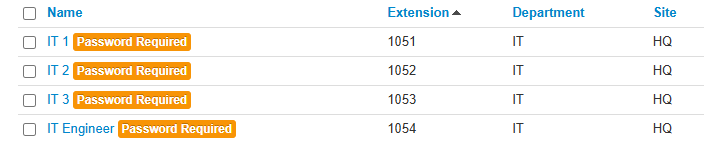
Users>2.ClickIn the search bar type in the desired department OR site. Note: make sure to click the blue area of desired selection.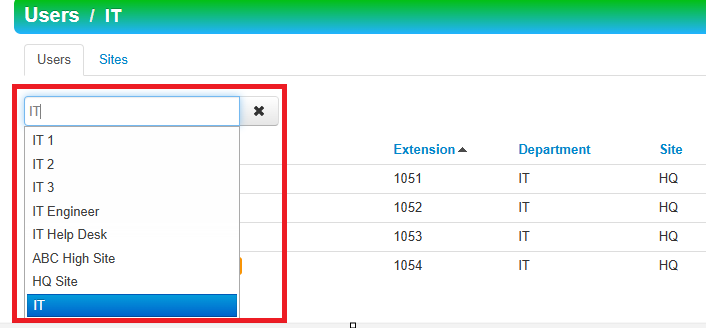
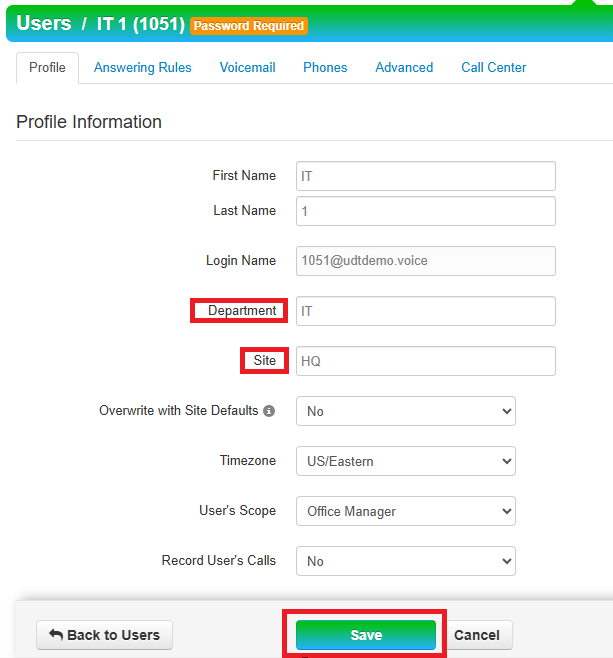
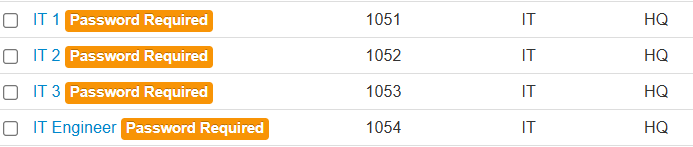
3. Check to make sure each name is set to the same department and site. If necessary, click on
Userthe> Fill in Departmentname andSiteedit.- Save changes.
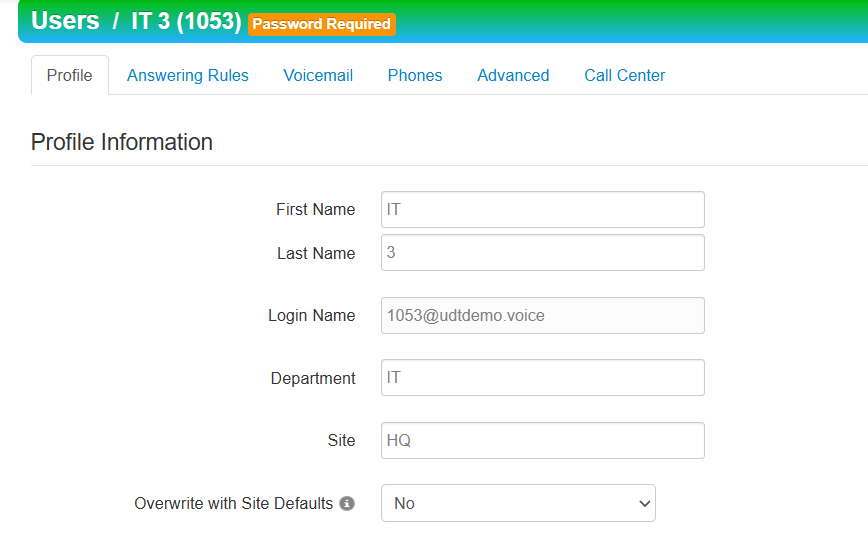
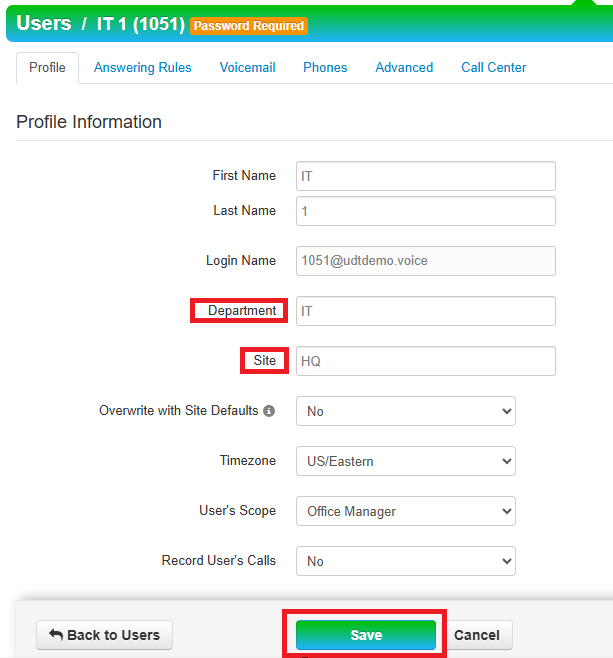
- Save changes.
4. Once Users are added to the same Site and Department, they can dial on their phone *54 to pickup any calls that are ringing on those lines.
-
If applicable, user's can have a speed dial built in SNAPBuilder for their phone for *54 and labeled as "Pickup" to perform the same function.