How to Use *54 for Site/Department Call Pick Up (Replaces Group Pick Up)
Prerequisites
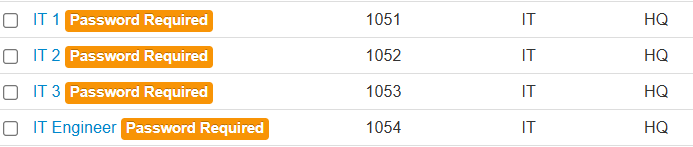
Identify all extensions involved and ensure they belong to the same Site and Department.
Process
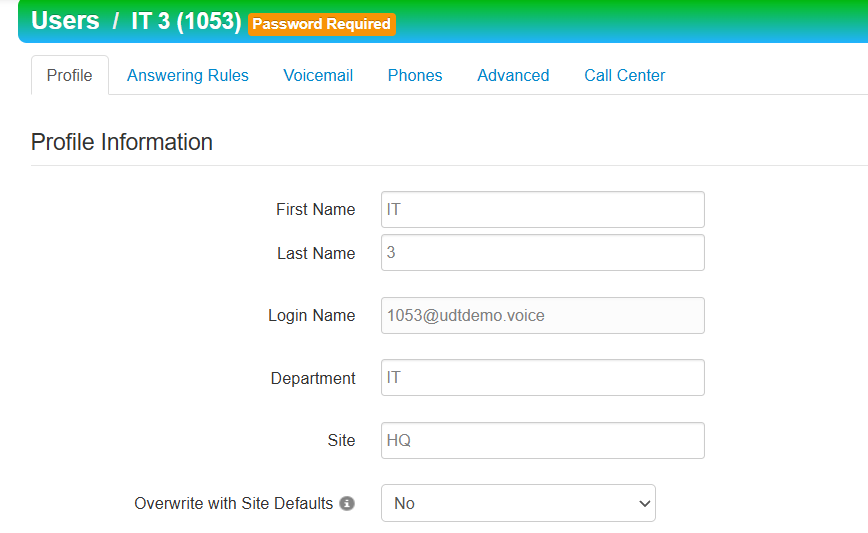
Identifyall extensions involved.- If necessary, edit each user
to belongto the same site and same department.- Click on the Users tile.

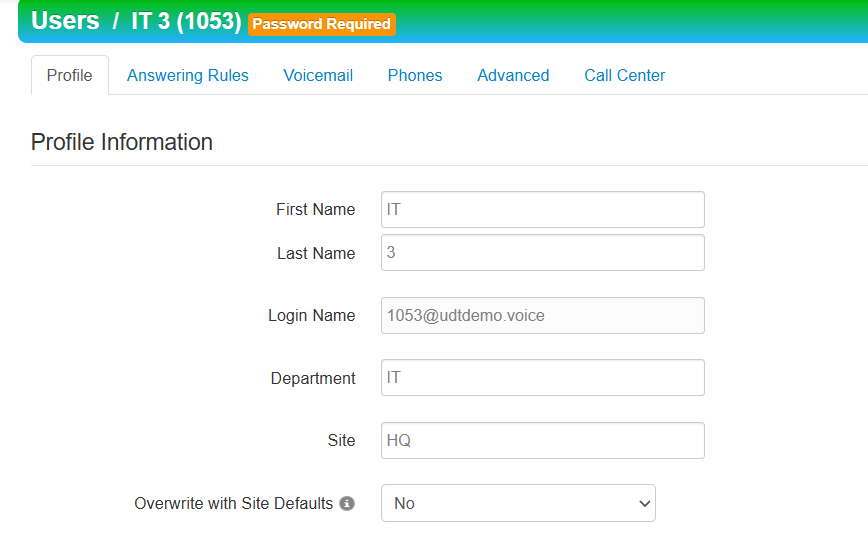
- Users > Click on User > Fill in Department and Site
- Click on the Users tile.
- Once Users are added to the same Site and Department, they can dial on their phone *54 to pickup any calls that are ringing on those lines.
-
- If applicable, user's can have a speed dial built in SNAPBuilder for their phone for *54 and labeled as "Pickup" to perform the same function.