
Screen Calls (caller has to record name when dialed and has to be accepted before rung through)
1. Login to UDT Voice Portal.
2. Navigate to Answering Rules.
3. Click Edit on the specified Time Frame to change (i.e. Default).
4. Click Edit on the specified Time Frame to change (i.e. Default)
5. Enable Call Screening.Screening and click Save.
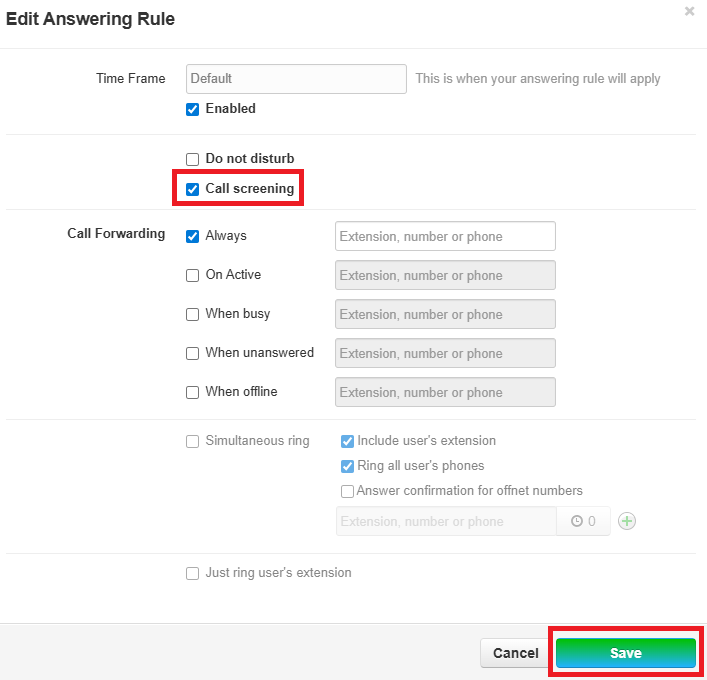
CallersCaller will now have to record their name and sit in a
queue- queue. The phone system will ring your device per your
answeringAnsweringrulesRules andplaypaly back "Recorded Name - . If denied, call will be
dropped