
For iOS
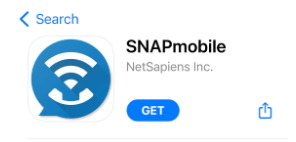
1. Open the App Store > search for SNAPmobile > click Get.
2. Open app once installation is complete and enter UDT for the Host ID. Click Continue.
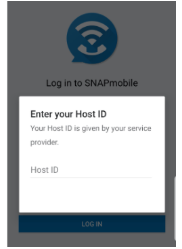
You will be required to enter the Host ID anytime you log out and back in again.
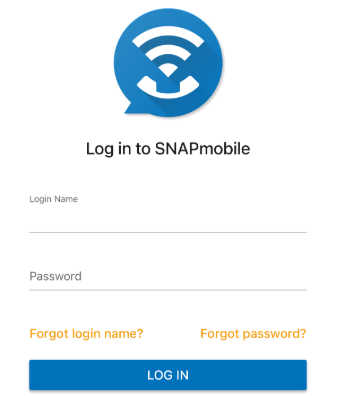
3. Enter Login Name and Password and click Log In. These are the same credentials that you use to access the UDT Voice Portal.
4. The app will prompt you to grant the following access permissions:
- Send Notifications (optional)
- Use Siri (optional)
- Access the Microphone (required)
- Access your Contacts (required)
- Select Contacts (recommended)
- Choose contacts or select contacts later
- All Contact (not recommended)
- Select Contacts (recommended)
Contacts Screen
This Contacts screen is the default home screen.