
For iOS
For iOS
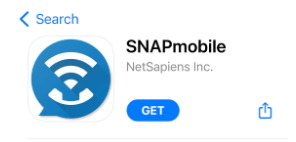
1. Open the App Store > search for SNAPmobile > click Get.
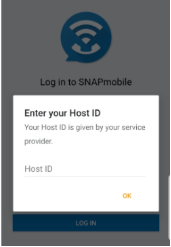
2. Open app once installation is complete > enter UDT for Host ID.
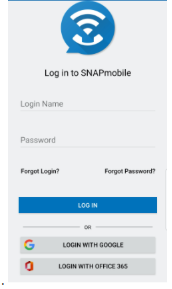
3. Next enter Login Name and Password. These are the same credentials that you use to access the UDT Voice Portal.
The app may prompt you to grant various access permissions (i.e., contacts, microphones, etc.).