
Call Center Supervisor
From the Call Center tab, Call Center Supervisors can see Call Center Analytics, run reports, edit Call Queues and edit Agent status.
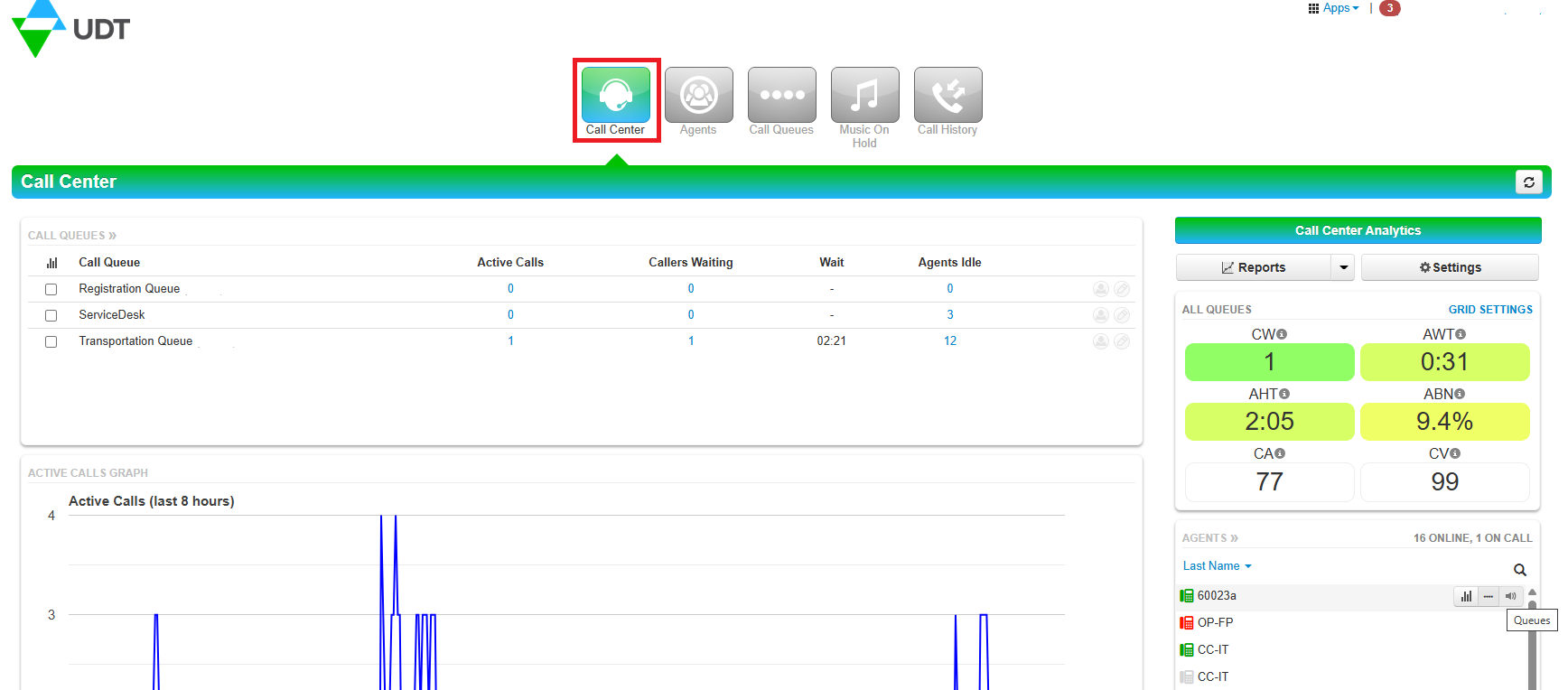
Call Queues
- See Active Calls, Callers Waiting and Agents Idle in the Call Queue.
- Person Button - edits agents in the queue.
- Pencil Button - edits the queues configuration.
Call Center Analytics
Agents
- Agent Status Types:
- Online (green)
- Offline (grey)
- On a Call (red)
- Agent Stats


Active Calls Graph
This represents call in the selected call queues. If none of the call queues are checked in the Call Queue table, then the default selection is all call queues.