How to Send Welcome Email for Portal Use
1. Click the Users tile

2. Use the search to find desired user then click the blue name to edit OR use the pencil to edit.

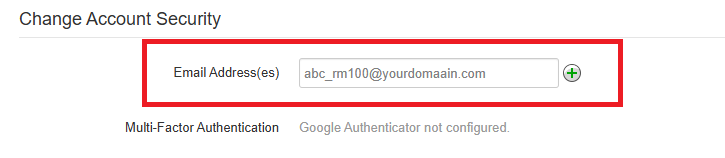
3. Scroll down to Change Account Security and enter the email address. Click Save.
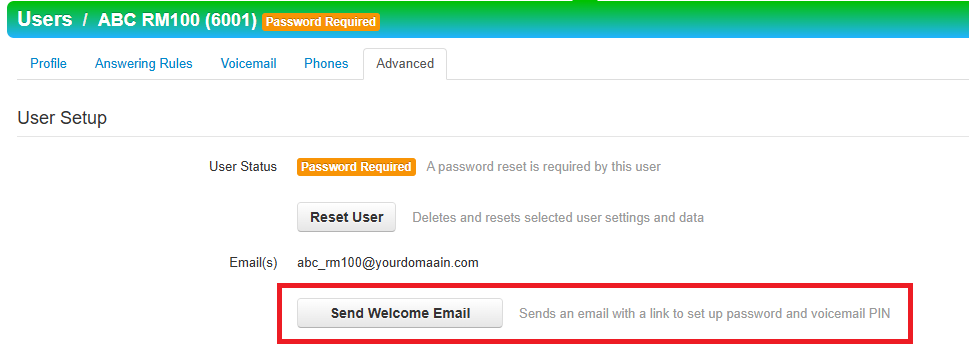
4. Click on the Advanced tab and then click Send Welcome Email.