How to Enable Voicemail Transcription
1. Click the Users tile.

2. Use the search to find desired user then click the blue name to edit OR use the pencil to edit.

You can also use the Bulk Edit option for making edits to multiple users. See How to Make Bulk Edits to Multiple User Accounts here.
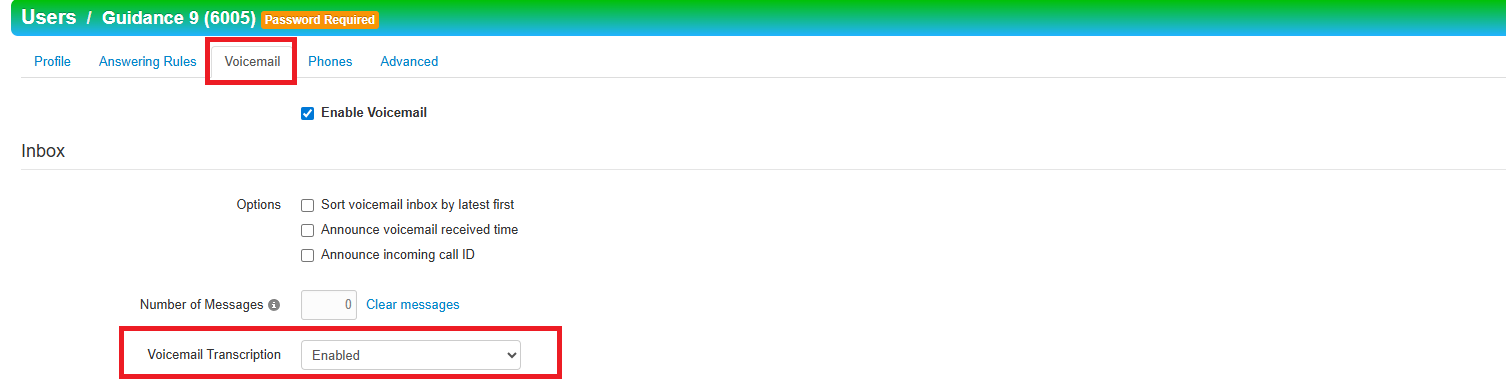
3. On the Voicemail tab use the drop down to select Enable for Voicemail Transcript.
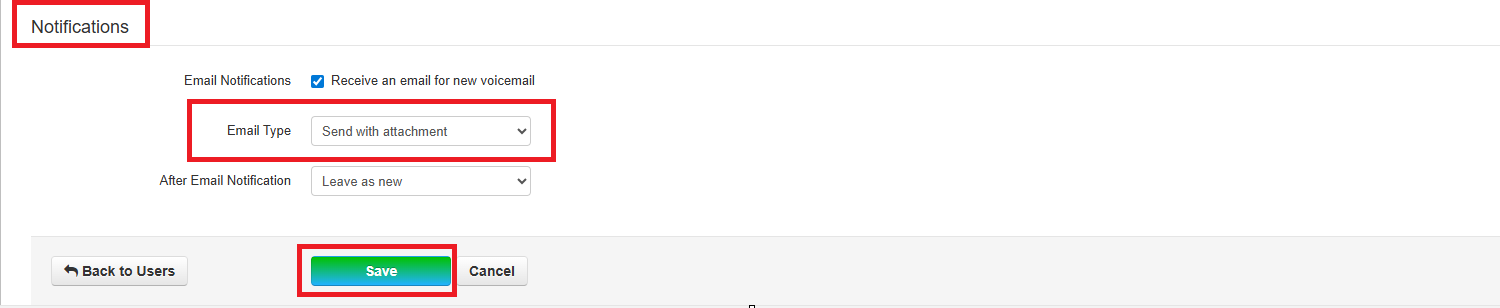
4. Next, scroll down and use the drop down to select Send with Attachments for Email Type under Notifications. Click Save,